
Manage your cookies preferences

Please select which cookies you are willing to store.

Performance cookies Always enabled

These cookies will allow us to collect statistical and anonymised data, such as how long users stay on a page or which links are clicked, to ultimately improve Greenpeace.org and provide you with a better experience of our website. The acceptance of these cookies will also allow you to hide the cookies acceptance banner.

In addition to the Statistical cookies mentioned above, we may also place in your browser cookies from third-party services (e.g. Facebook or Google) to track the effectiveness of our online marketing strategies and to deliver adverts more relevant to you and your interests. These cookies may also be used to serve advertising to you after you have left our site (retargeting cookies).

This site works great in a cookie-free experience. To make it better, however, we use some cookies. You can read the Privacy Policy and change your cookies settings anytime.

📚 Create Content > Blocks > Group

The Group block allows you to compose bunches of blocks and easily move them all together
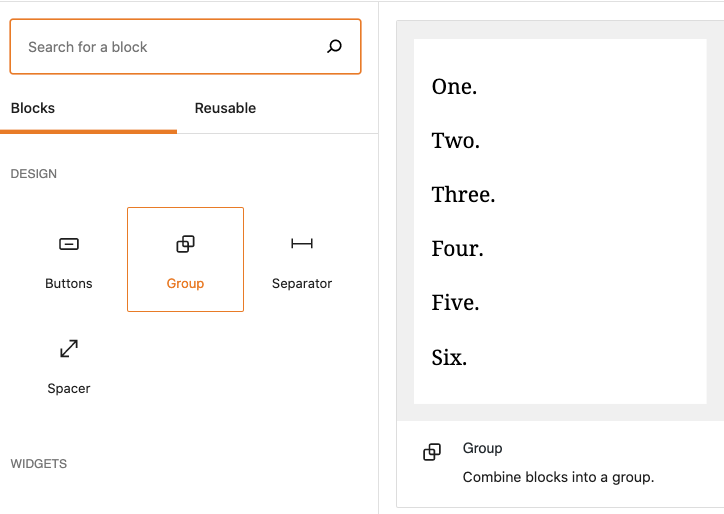

Customize the block

When adding it, editors will see a sets of placeholders, which can be composed in multiple ways, by clicking the “+” command on the block itself

= TIP = You can also convert multiple individual blocks into a Group, see .gif below 👇
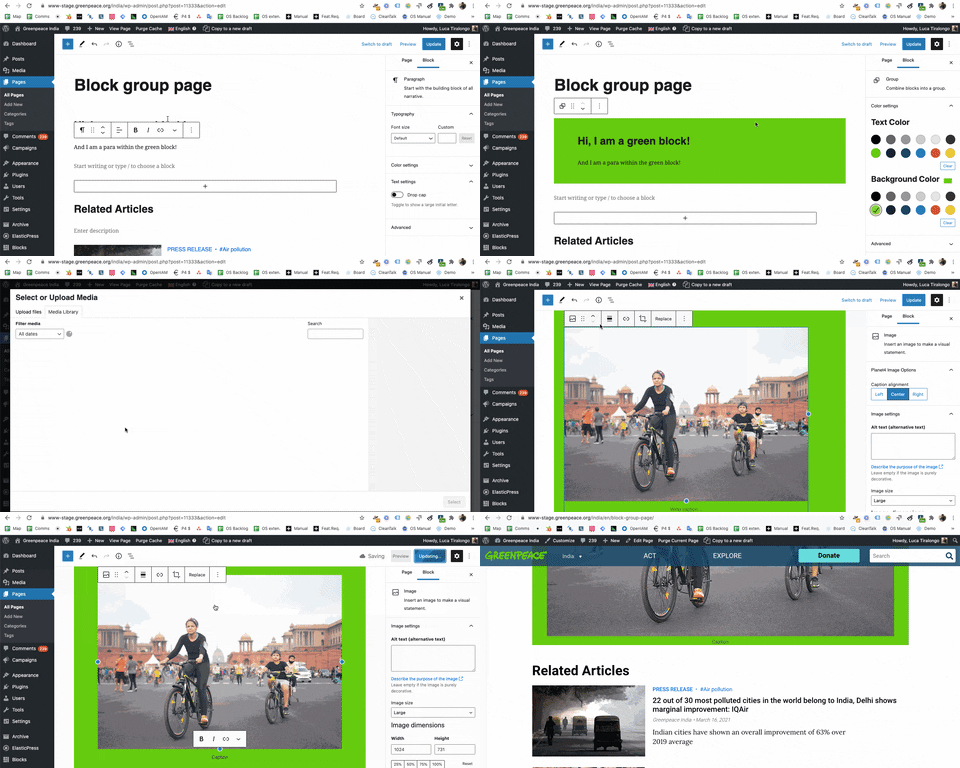

Moving Group blocks

Using the List view, you can drag and drop the Group blocks around the page
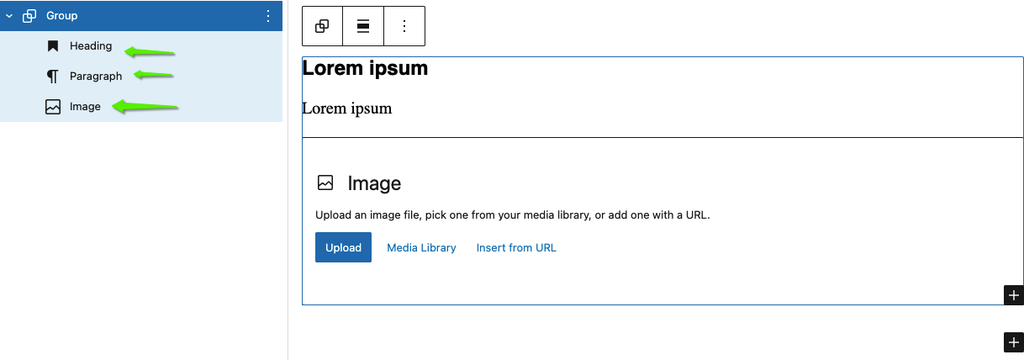
The Elements composing a group block in the list view. You can easily drag and drop them within the page.

Video intro


Links & Resources

Was this helpful?

Yes
No
Thanks for your feedback!