
Blog
-

v26.17 | Timeline Block Data, Preferred Google News, Accessibility Everywhere and More!
A big one! Data tracking for the Timeline Block, preferred Googled News source button, hidden H1 on the homepage, ... There's a lot happening in this release.
-
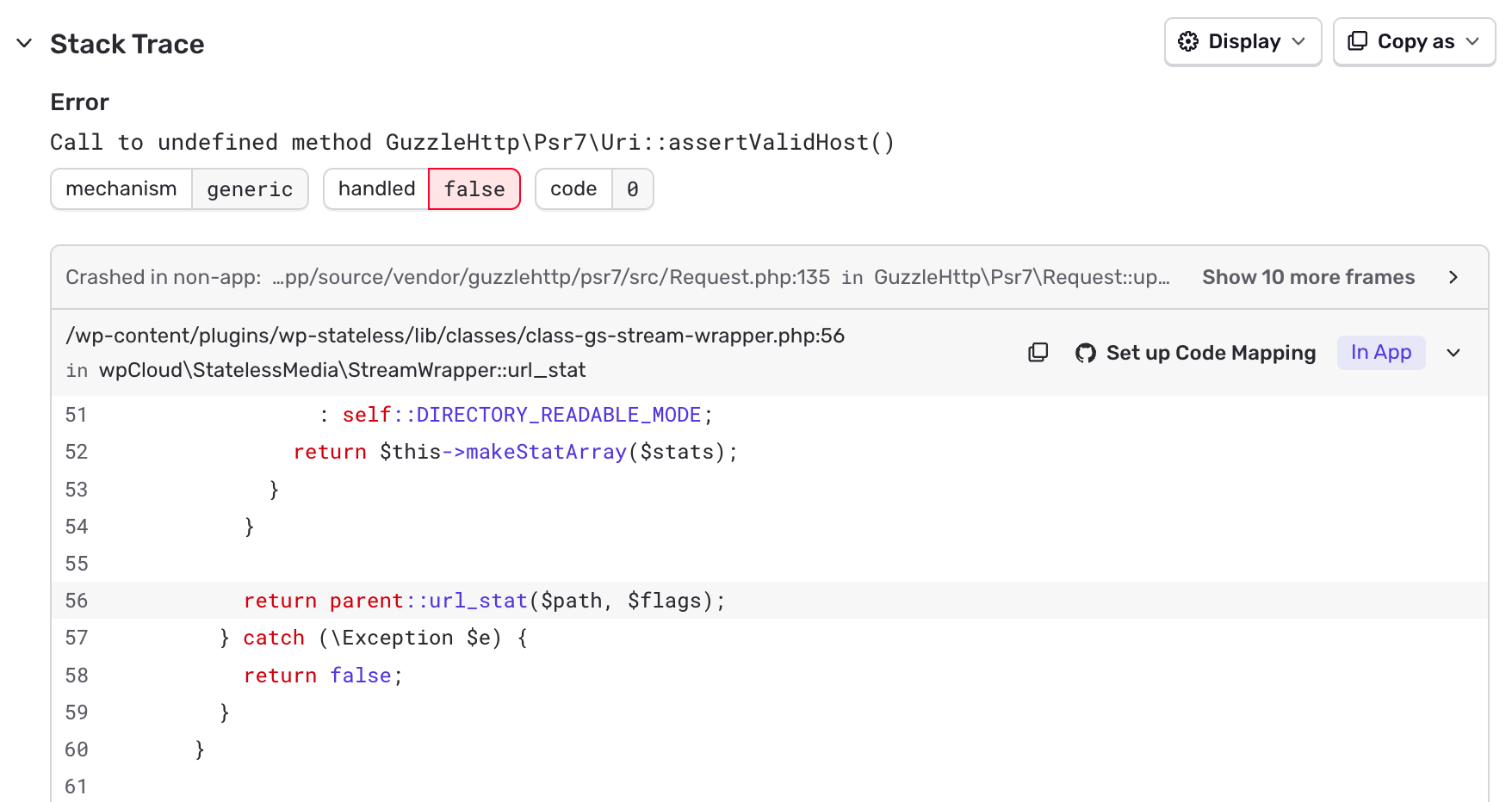
Report: 2026-06 PHP runtime error and outage on a subset of production sites
Initial problemWe noticed that there was a version mismatch in a php library. Since it’s a dependency of a dependency, we didn’t have a specific version defined in our composer…
-

Resistance Hub: From agency dependence to in-house innovation
Campaign goals matter, but so does how we get there. Building on existing tools strengthens the entire network.
-

Case Study, Writing Guide
Writing a case study involves telling a compelling story about a particular situation, problem, or project, and how it was addressed. Here's a guide to help you get started.
Filter posts
Filtered results
-
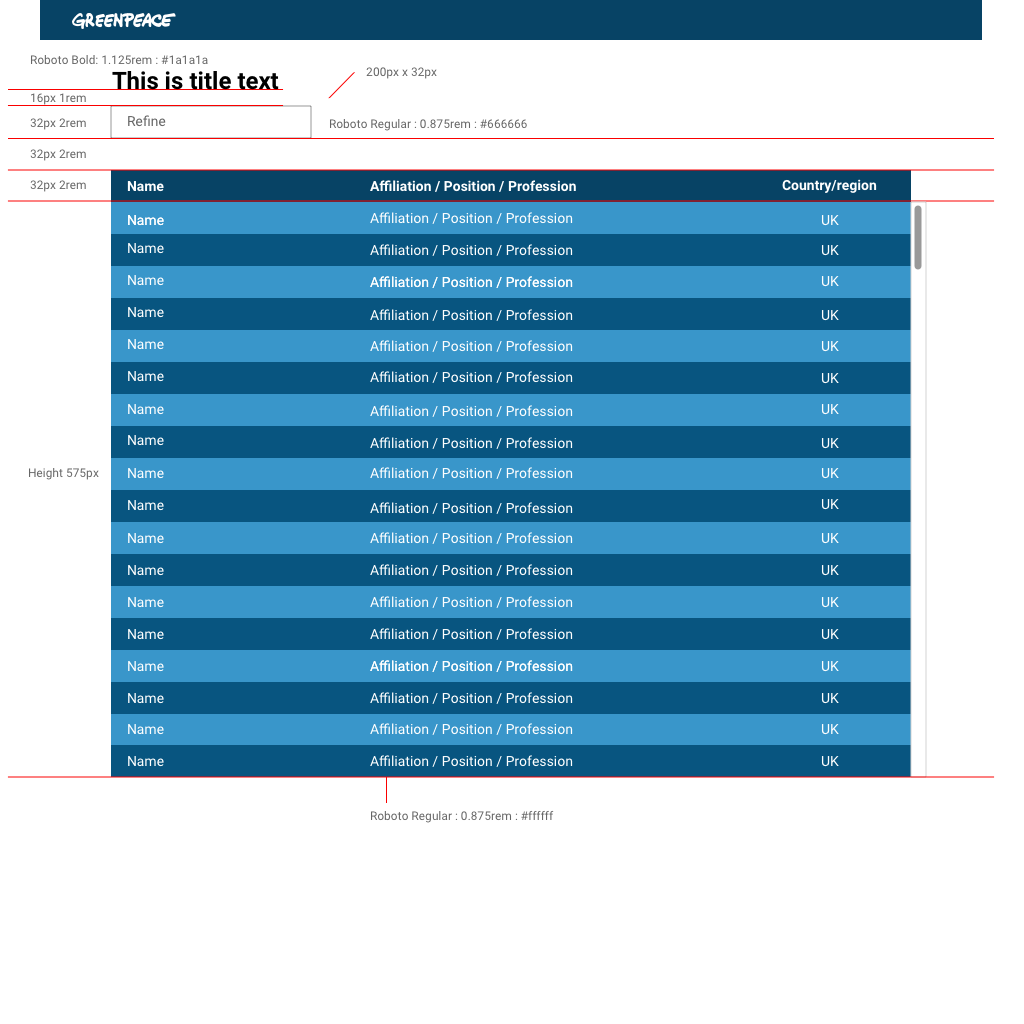
Release v2.30 – Edit selection in Gallery block | Include excerpt in mobile search results | Spreadsheet block: Fix size and add scrolling
Edit selection in Gallery block | Spreadsheet block: Fix size and add scrolling | Load more button not working on some pages / devices fixed
-
Release v2.23 – Only first image being displayed in the Gallery block fixed | Social media buttons aligned | Manual Override in the Articles block fixed
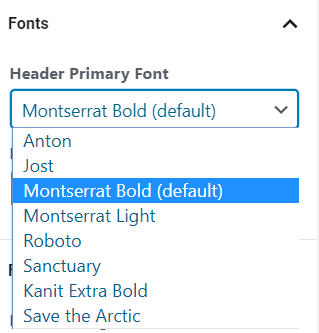
'Default theme' font added in the Fonts dropdown | Gallery block fixed | Social media buttons aligned | Manual Override in the Articles block fixed
-
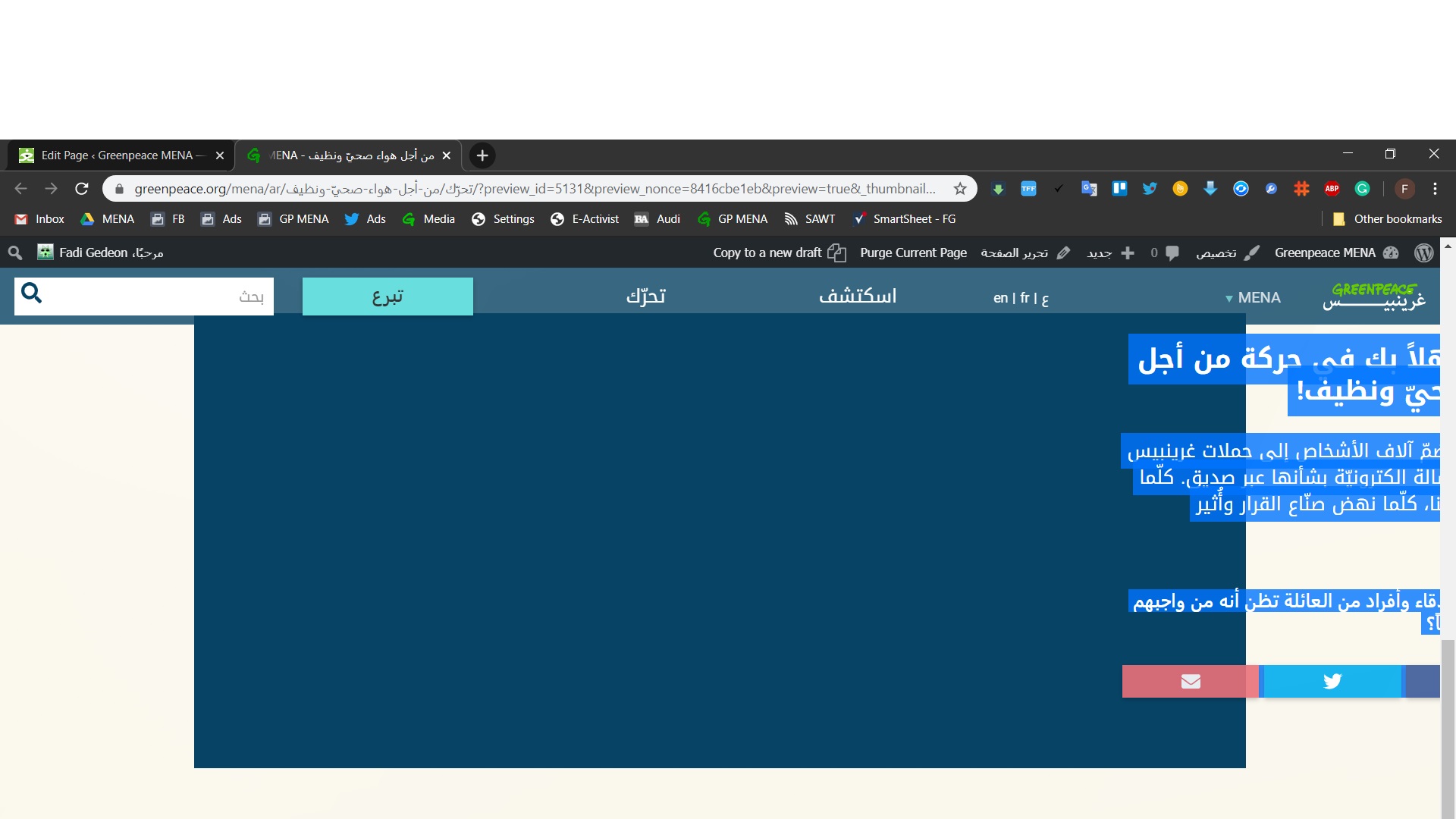
Release v2.22 – Supporting multi page campaigns | Greenpeace logo right color on P4CG for footer links | Engaging Networks form thank you page text alignment fixed
Support multi page campaigns, by introducing hierarchy
-
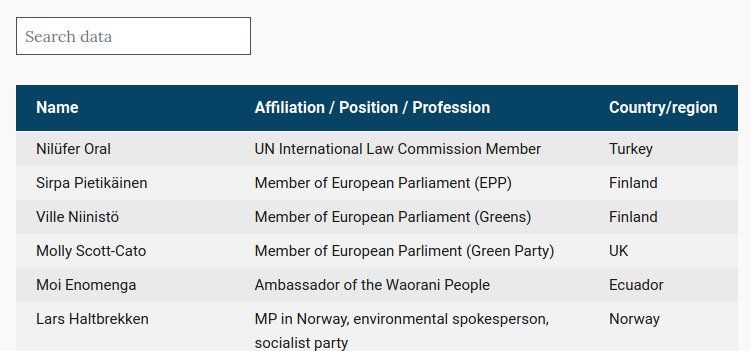
Release v2.21 – Spreadsheet block on Posts | Campaigns Design improvements
The current release brings a Search bar for the Spreadsheet block and the Columns block CTA is now following the main style of the CTA buttons.
-
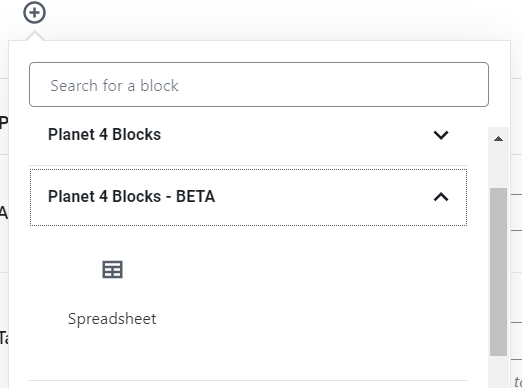
Release v2.20 – Spreadsheet block enabled in Posts and Pages | Improving the navigation and the footer options for the P4CG
The Spreadsheet block is enabled both in Pages and Posts and the P4CG got some UX improvements.
-
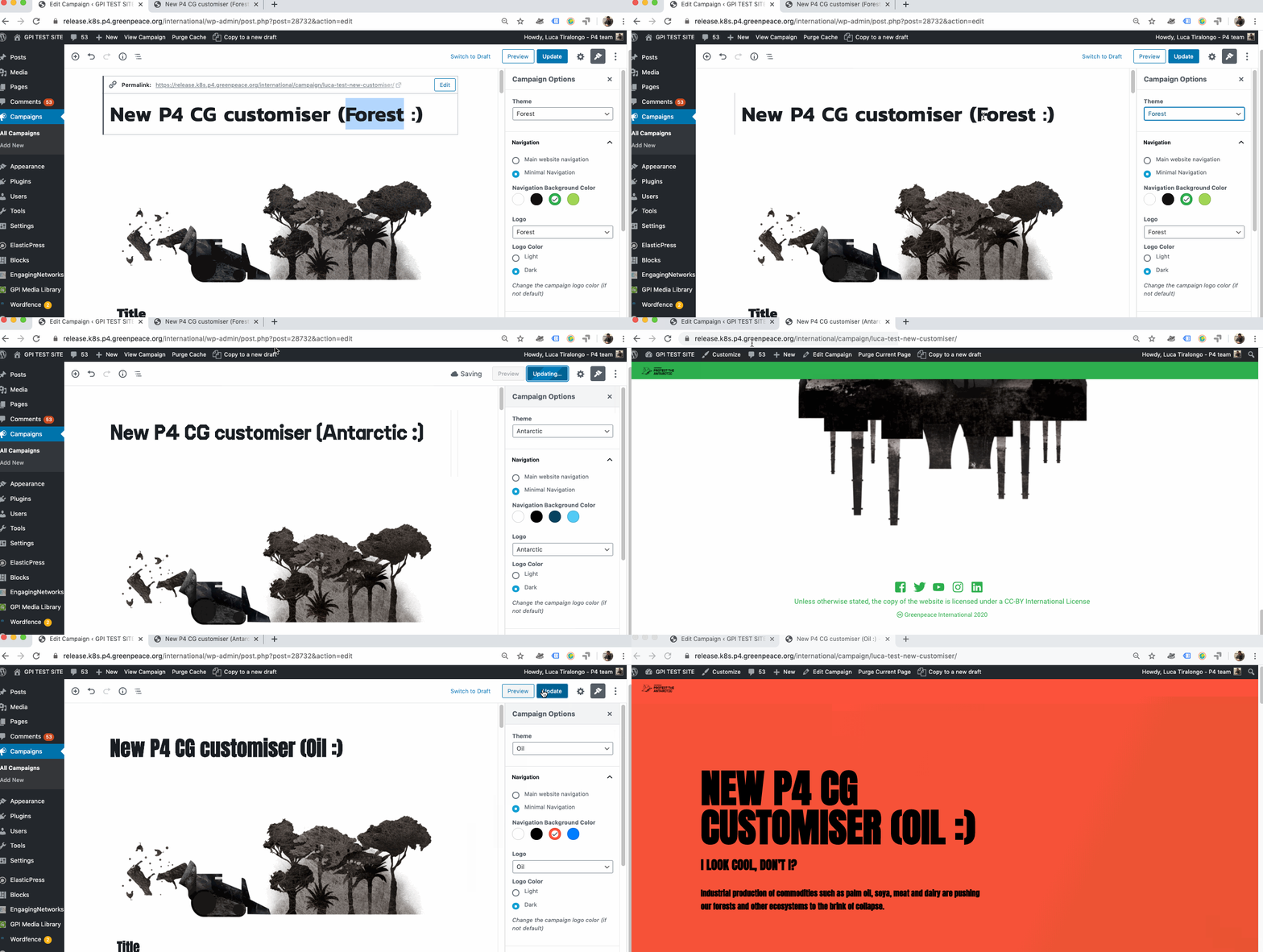
Release v2.19 – a new Campaign configurator
As of today, though, the P4 Campaign generator is way more user-friendly and intuitive than ever.
-
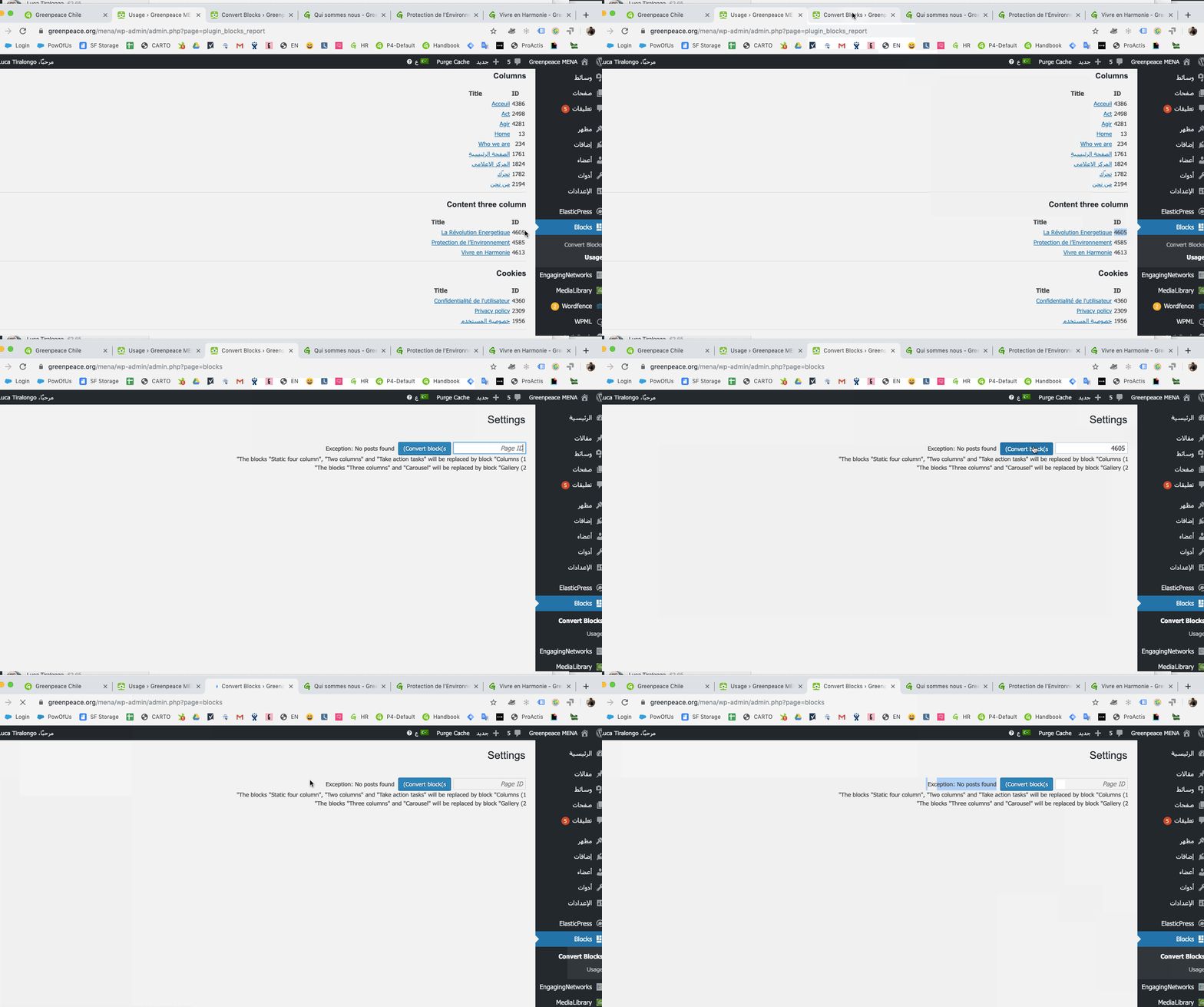
Release v2.2 – Option to Hide page titles | “Take Action boxout” allowed (and customisable) in Posts
2 cool new features and a bunch of improvements. Editors can now hide page title and customise take action boxouts blocks in Posts and Pages.